A little clarity.
On every plate.
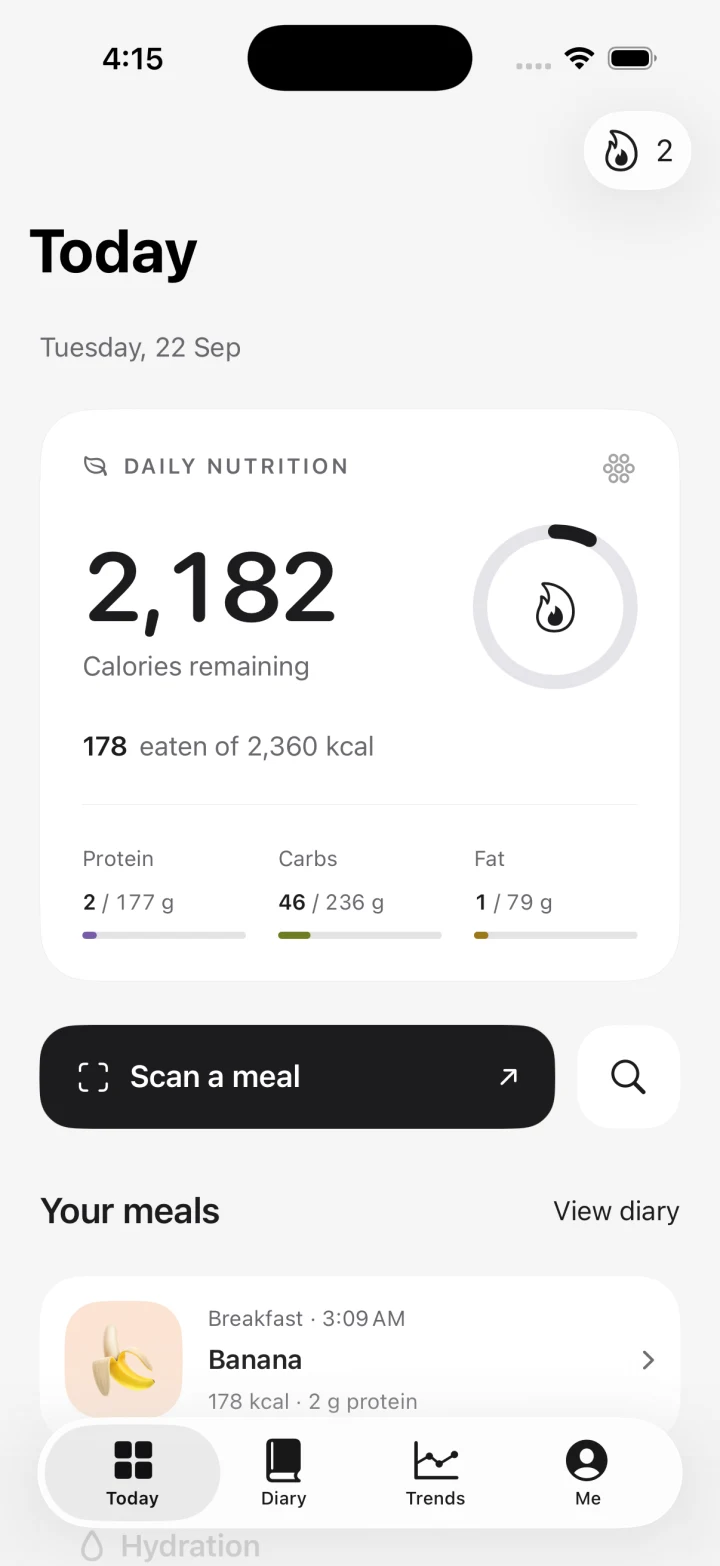
Meet Nomivo. Your meals, macros and water, thoughtfully brought together in one simple iPhone app.
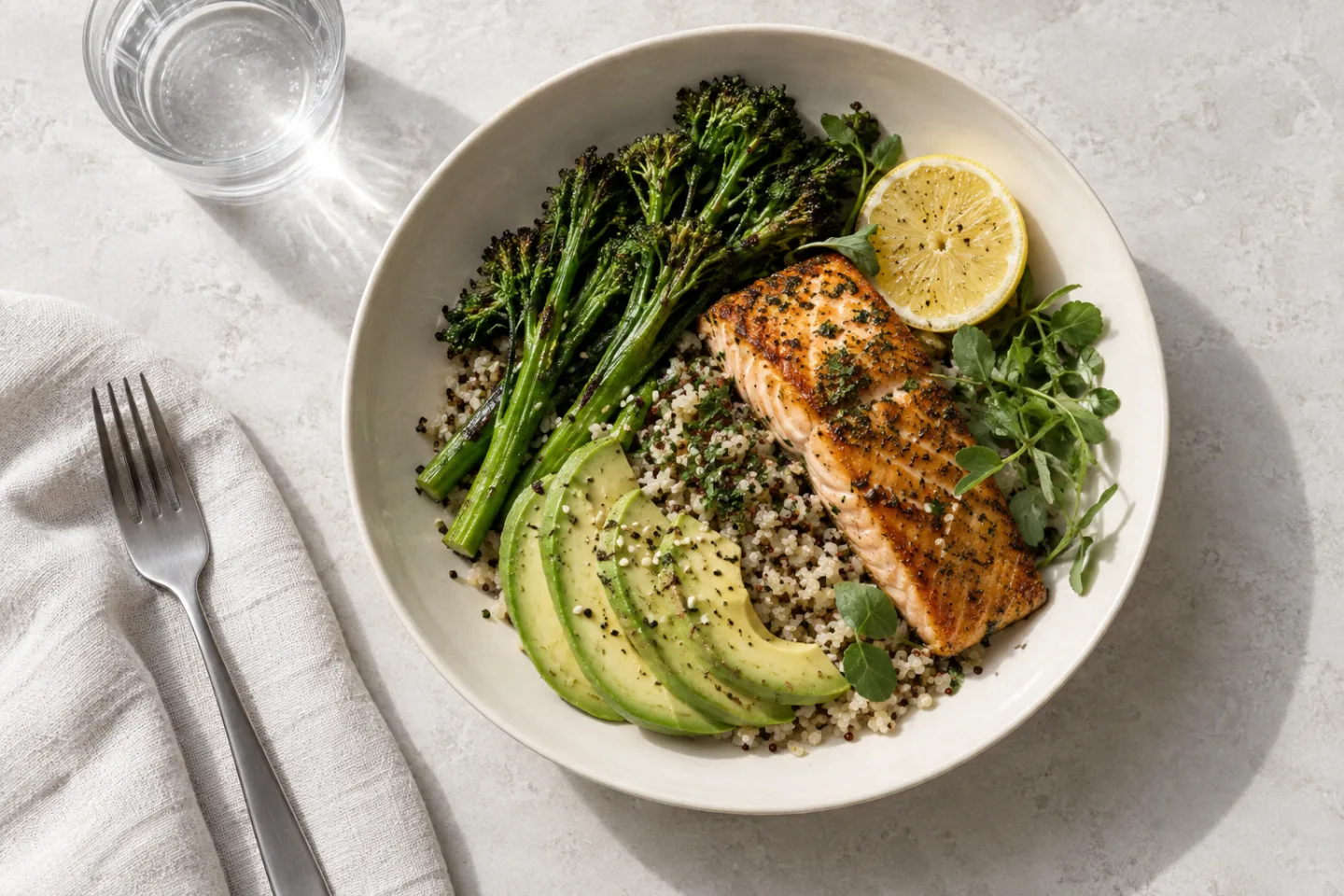
- Food & menu scans
- Calories & macros
- Water reminders
- Home Screen widgets
Less keeping track.
More living.
A clear view of what you’ve logged, a nudge when you want one, and room to find your own rhythm.
Your food.
Your final say.
AI gives you a useful starting point. You bring the part a camera can’t know: what’s actually on your plate.
Take a photo.
Photograph a meal or a restaurant menu. Nomivo suggests the foods and their nutrition.
Make it yours.
Check the ingredients and portions. Adjust the estimate before you save it.
Get on with your day.
Confirm your meal and see your totals update. You can come back and edit it later.
The little things.
Thought through.
Useful touches that make logging part of your day, without making it your whole day.
Here’s to the next glass.
A water goal you choose. Check-ins you control. One less thing to remember.
There’s more than one way to log.
Scan a barcode, search Open Food Facts or add a food yourself. Keep the source of each estimate in view.
Works with Apple Health.
Connect weight and active energy, and write logged nutrition to Health. Access is always your choice.
A shortcut to the familiar.
See your day from a widget. Log your chosen favorite with a Home Screen action or Siri shortcut.
Small moments, worth noticing.
Explore milestones for meals, hydration and your logging routine. Your profile shows the badges you’ve earned.
Personal by nature.
Know what stays on your phone, what syncs with your account and what happens when you ask AI to scan a meal.
What does Nomivo do?
Nomivo helps you log meals, review calorie and nutrient estimates, track water and look back at your food history. Take a food photo, scan a barcode, search for a product or enter a meal yourself.
How accurate are photo estimates?
A photo cannot reveal every ingredient, cooking oil or portion weight. Nomivo uses AI to suggest foods and amounts, then lets you review them before logging. Check the product label or use weighed portions when precision matters.
Can I edit a meal after saving it?
Yes. Open a logged meal to review it and adjust its foods or portions. Your daily totals update to reflect the saved changes.
Do I have to turn on reminders or Apple Health?
No. Both are optional. Choose meal and water check-ins in Me, and manage Health access through your iPhone. You can use the food diary without connecting Apple Health.
When can I download Nomivo?
Nomivo is being prepared for its first public iPhone release. The App Store link will appear here when it is available. There is no public download or subscription checkout on this website yet.

Meet your everyday
food companion.
Food scan. Water reminder. A clearer view of your day.
Nomivo is coming to iPhone.